Evaluating the 100 Patterns of Flower Bouquets Watercolor Set for Professional and Personal Design
Selecting digital assets for creative projects often involves balancing aesthetic quality with technical versatility. The 100 Patterns of Flower Bouquets Watercolor Set represents a specific category of hybrid digital resources that combines high-resolution pattern files with individual transparent elements. For designers, crafters, and content creators aged 20 to 50, understanding the practical application of this collection is essential before integrating it into workflows involving greeting cards, menus, blogs, or poster design. Unlike generic stock photos or vector packs, this set offers hand-painted botanical illustrations that bridge the gap between traditional artistry and digital convenience.
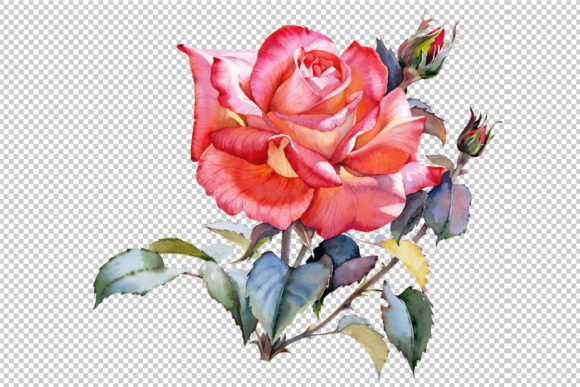
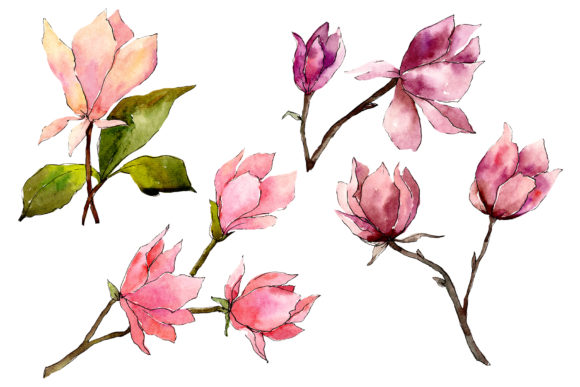
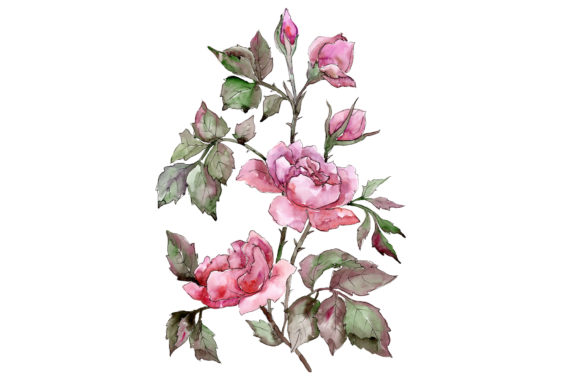
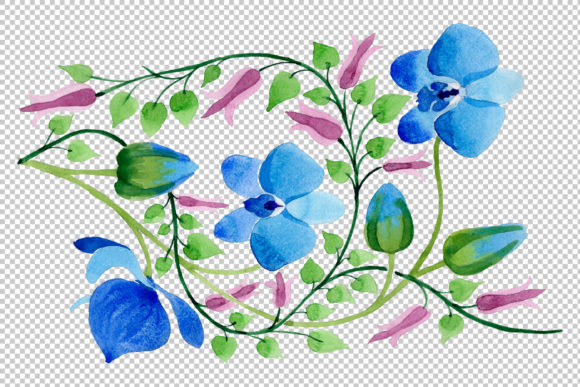
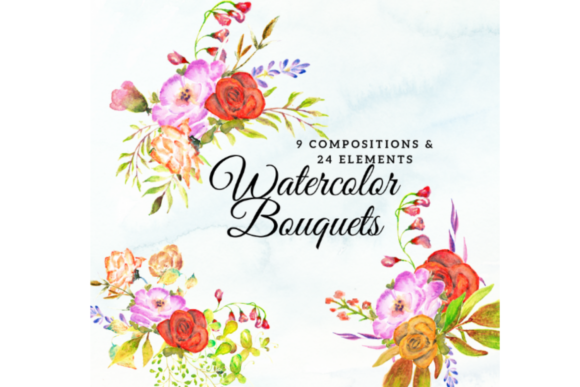
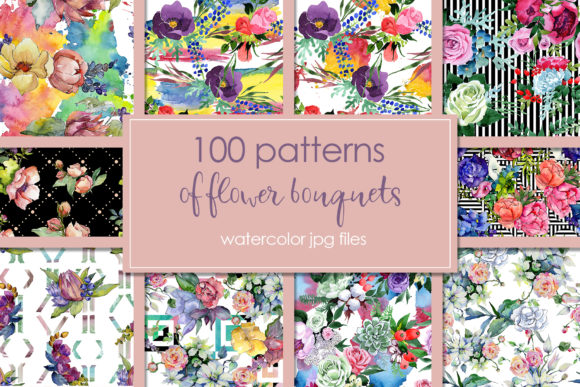
This collection distinguishes itself through its dual-format approach. It provides 100 JPG files sized at 3500x3500px for seamless backgrounds and textures, alongside separate PNG elements at 300 DPI without backgrounds. This structural difference is significant when comparing it to standard pattern packs that often only offer tiled JPEGs. The inclusion of isolated aquarelle elements allows users to deconstruct the patterns, using individual flowers as frames, borders, or standalone accents. When evaluating whether this specific set meets your needs, it is helpful to analyze its strengths against alternative digital floral resources and understand the tradeoffs inherent in raster-based watercolor graphics.
Comparing Raster Watercolors to Vector Alternatives
A primary decision factor for many designers is choosing between raster watercolors and vector florals. The 100 Patterns of Flower Bouquets Watercolor Set falls firmly into the raster category. While the description mentions "full editable size, colors, etc.," it is crucial to interpret this within the context of pixel-based editing. Unlike vectors, which are mathematically generated and infinitely scalable, these 3500x3500px JPGs have a fixed resolution ceiling. They are exceptionally crisp for print materials up to roughly 11x11 inches at 300 DPI, making them ideal for standard stationery, menu covers, and web graphics. However, for large-format signage or billboards, vector alternatives remain superior.
Conversely, vectors often lack the organic texture and pigment variation found in hand-painted aquarelle. If your project requires the authentic bleed of watercolor on paper, the 100 Patterns of Flower Bouquets Watercolor Set offers a visual fidelity that vectors struggle to replicate without complex shading meshes. The tradeoff here is scalability versus authenticity. For DIY enthusiasts creating wedding invitations or bloggers designing Pinterest pins, the 3500px resolution is typically more than sufficient, and the hand-painted detail provides a warmth that clean vector lines cannot achieve. Evaluating your final output size is the first step in determining if this raster set is the appropriate tool.
Technical Specifications and Workflow Integration
Understanding the file architecture helps prevent workflow bottlenecks. This pack contains two distinct asset types that serve different functions:
- JPG Patterns (3500x3500px): These are best utilized as base layers. Because they are square and high-resolution, they function effectively as background textures for social media posts, website headers, or wrapping paper designs. Being JPGs, they are flattened images; you cannot move individual flowers within the pattern file itself.
- PNG Elements (300 DPI, Transparent): These separate files are the key to customization. They allow you to build custom compositions, create unique borders, or overlay floral accents onto photography. The transparency ensures clean integration over colored backgrounds or text.
When comparing this to other market options, note that many budget-friendly packs only include the JPG patterns. The addition of separate PNG elements significantly increases the utility of the 100 Patterns of Flower Bouquets Watercolor Set. It transforms the product from a simple background library into a modular design kit. However, users should be aware that editing colors in raster files requires software like Photoshop, Affinity Photo, or Procreate. Adjusting hues in watercolor textures is more complex than changing a fill color in Illustrator; it often involves masking, blend modes, or hue/saturation adjustments to maintain the natural paper grain and paint transparency.
Best-Fit Scenarios and Practical Applications
The versatility of this collection makes it suitable for a wide demographic, but it excels in specific niches. Based on the file specifications and artistic style, this set is particularly well-suited for the following applications:
- Stationery and Greeting Cards: The 300 DPI resolution ensures professional print quality for A7, A6, and 5x7 inch cards. The ability to use patterns as card backs and PNG elements as front-facing motifs creates a cohesive brand identity for small businesses or personal crafting.
- Culinary and Event Menus: Botanical watercolors convey freshness and elegance. The detailed nature of these illustrations works well for restaurant menus, wedding programs, and event signage where a softer, organic aesthetic is preferred over rigid corporate geometry.
- Digital Content Creation: For bloggers and social media managers, the 3500px size allows for cropping into various aspect ratios (Instagram stories, Pinterest verticals, blog banners) without losing quality. The hand-painted style adds a premium feel to quotes and typography-heavy posts.
- DIY and Crafting: Sublimation printing, scrapbooking, and decoupage benefit from the high-detail texture. The separate elements allow crafters to arrange bouquets physically in digital space before printing onto transfer paper or cardstock.
Limitations and When to Seek Alternatives
While comprehensive, the 100 Patterns of Flower Bouquets Watercolor Set is not a universal solution. Recognizing its limitations prevents frustration during the design process. Because these are hand-painted elements, the style is consistent but specific. If your project requires a minimalist, flat-design, or highly geometric aesthetic, this lush botanical style may clash with your existing branding. In such cases, line-art vectors or abstract geometric patterns would be more appropriate alternatives.
Additionally, consider the licensing and editability constraints. While the files are "editable" in terms of color and composition via raster software, you cannot alter the fundamental shape of a petal or stem as easily as with vector nodes. If you require precise manipulation of botanical anatomy for scientific illustration or logo design, this set serves better as inspiration or texture rather than a foundational graphic. Furthermore, while 3500px is substantial, it is not infinite. Users planning large-format textile printing or mural-sized decor should verify their DPI requirements or look for vector-based surface pattern designs that scale without pixelation.
Making an Informed Decision
Ultimately, the value of the 100 Patterns of Flower Bouquets Watercolor Set lies in its balance of volume and variety. Having 100 distinct patterns and corresponding elements reduces the need to purchase multiple smaller packs, providing a unified visual language across diverse projects. For adults exploring design options, this collection offers a middle ground: more textured and artistic than clip art, yet more accessible and affordable than commissioning custom hand-painted illustrations.
When comparing against free resources, the advantages are clear: consistent lighting, matched color palettes, high resolution, and commercial usability. Free alternatives often suffer from mismatched styles, low DPI, or restrictive licenses. Against premium custom work, this set offers immediate availability and cost-efficiency at the expense of exclusivity. If your goal is to produce beautiful, botanically inspired materials for print or digital use without the steep learning curve of painting from scratch or the high cost of bespoke art, this watercolor collection presents a pragmatic and aesthetically rich solution. Evaluate your specific resolution needs, desired aesthetic, and editing comfort level to confirm it aligns with your current project requirements.